AirScreen - AirPlay & Cast là ứng dụng Giải trí trên mobile, được phát triển bởi Ionitech, nếu sử dụng giả lập Android tốt nhất - LDPlayer, bạn có thể tải và xài AirScreen - AirPlay & Cast trên máy tính.
Khi chạy AirScreen - AirPlay & Cast trên máy tính, bạn có thể lướt nội dung trên màn hình lớn, sử dụng chuột và bàn phím để thao tác ứng dụng sẽ nhanh hơn và chuẩn xác hơn so với ấn màn hình trên điện thoại, hơn nữa, bạn sẽ khỏi lo pin bị tụt như trên mobile.
Qua tính năng đa nhiệm (multi play) và tính năng thao tác đồng bộ (multi control), thậm chí bạn còn có thể chạy nhiều tab ứng dụng và acc trên PC.
Còn tính năng chia sẻ file giữa PC và LDPlayer sẽ giúp bạn di chuyển tệp file rất đơn giản.
Hãy tải và chạy AirScreen - AirPlay & Cast trên PC, tận hưởng màn hình lớn và đồ họa đẹp trên máy tính nha!
Experience the excitement of sharing and streaming your favorite media content on a larger screen with AirScreen, a top-notch wireless streaming receiver compatible with AirPlay, Cast, Miracast*, and DLNA.Why pick AirScreen:
• Multiple Protocol Support: AirScreen supports AirPlay, Cast, Miracast*, and DLNA, making it easy to receive content from your devices without any cables.
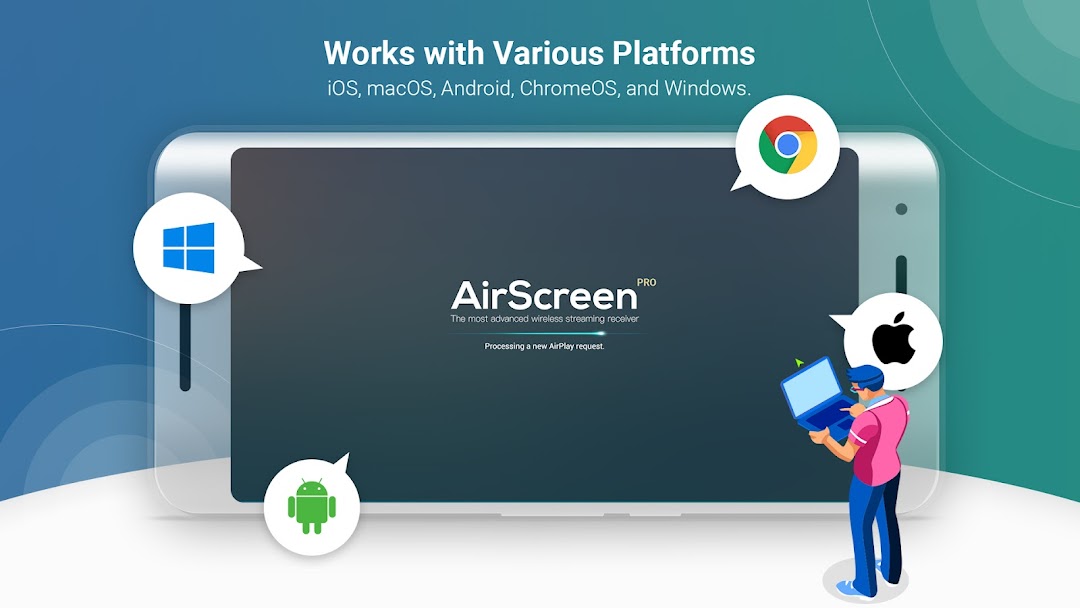
• Works with Various Platforms: Enjoy smooth media sharing across iOS 8-18, macOS 10.5-15, Android 5-15, ChromeOS 63-134, and Windows 7-11 devices.
• Wide App Support: Listen to tunes from iTunes, watch videos on YouTube, browse Safari and Chrome webpages, and more. With thousands of compatible apps, AirScreen offers endless entertainment possibilities.
• Simple Installation: Set up AirScreen on the receiving devices only, with no need to install it on the sender devices.
• Screen Recording: Capture and save your favorite content with AirScreen's recording feature.
• Privacy Protection: Keep your data safe with encrypted transfers that prevent unauthorized access.
• Extra Perks: Get improved video playback with Video Hardware Acceleration, enjoy crystal-clear 4K Ultra High-Definition resolution, multitask with Background Service Mode, personalize device names, and more.
Upgrade your media sharing experience with AirScreen, the user-friendly wireless streaming receiver perfect for quality time with family and friends.
AirScreen Video Tutorials:
https://www.youtube.com/c/AirScreenApp
We want your feedback! Email your comments, questions, or concerns to support-as@ionitech.cn.
* Miracast feature disabled since Android Oreo (8.0).
PLEASE NOTE BEFORE DOWNLOADING: Some Android phones/tablets and Android TV models might not be fully supported by the current version. If you experience glitches, report any issues (including your device model and AirScreen app ID) to support-as@ionitech.cn. We're working hard to make AirScreen available on all devices as soon as possible.