WeTransfer : File Transfer là ứng dụng Năng suất trên mobile, được phát triển bởi WeTransfer BV, nếu sử dụng giả lập Android tốt nhất - LDPlayer, bạn có thể tải và xài WeTransfer : File Transfer trên máy tính.
Khi chạy WeTransfer : File Transfer trên máy tính, bạn có thể lướt nội dung trên màn hình lớn, sử dụng chuột và bàn phím để thao tác ứng dụng sẽ nhanh hơn và chuẩn xác hơn so với ấn màn hình trên điện thoại, hơn nữa, bạn sẽ khỏi lo pin bị tụt như trên mobile.
Qua tính năng đa nhiệm (multi play) và tính năng thao tác đồng bộ (multi control), thậm chí bạn còn có thể chạy nhiều tab ứng dụng và acc trên PC.
Còn tính năng chia sẻ file giữa PC và LDPlayer sẽ giúp bạn di chuyển tệp file rất đơn giản.
Hãy tải và chạy WeTransfer : File Transfer trên PC, tận hưởng màn hình lớn và đồ họa đẹp trên máy tính nha!
WeTransfer is a seamless way to send large files, right from your phone or tablet. Share photos and videos in original quality. With features designed for your convenience, WeTransfer simplifies the way you transfer files, share documents and PDFs, upload photos, and send videos.Send Large Files Effortlessly:
Say goodbye to the frustration of file size limits. WeTransfer enables you to send files of any size without breaking a sweat. Whether it's presentations, spreadsheets, documents, PDFs, or multimedia files, you can share your files with WeTransfer.
Share Videos in Original Quality:
Preserve the brilliance of your videos with WeTransfer. Our app ensures that your videos retain their original quality during the transfer process, so your recipients can edit or enjoy them as intended. Videographers trust WeTransfer to make sure their work is shared in the highest quality format.
Full-Resolution Photo Sharing:
Photos capture moments that matter. WeTransfer ensures they're shared in their full native file size and original resolution. Share your professional photography with clients and colleagues, or share memories with loved ones without compromising on quality. Your photos deserve nothing less.
Keep File Metadata Intact:
Details matter, and we understand that. WeTransfer ensures that your files' metadata remains intact throughout the transfer. No loss of which camera was used to record a photo, where the photo was taken any other relevant details that matter when maintaining file quality
Streamlined User Experience:
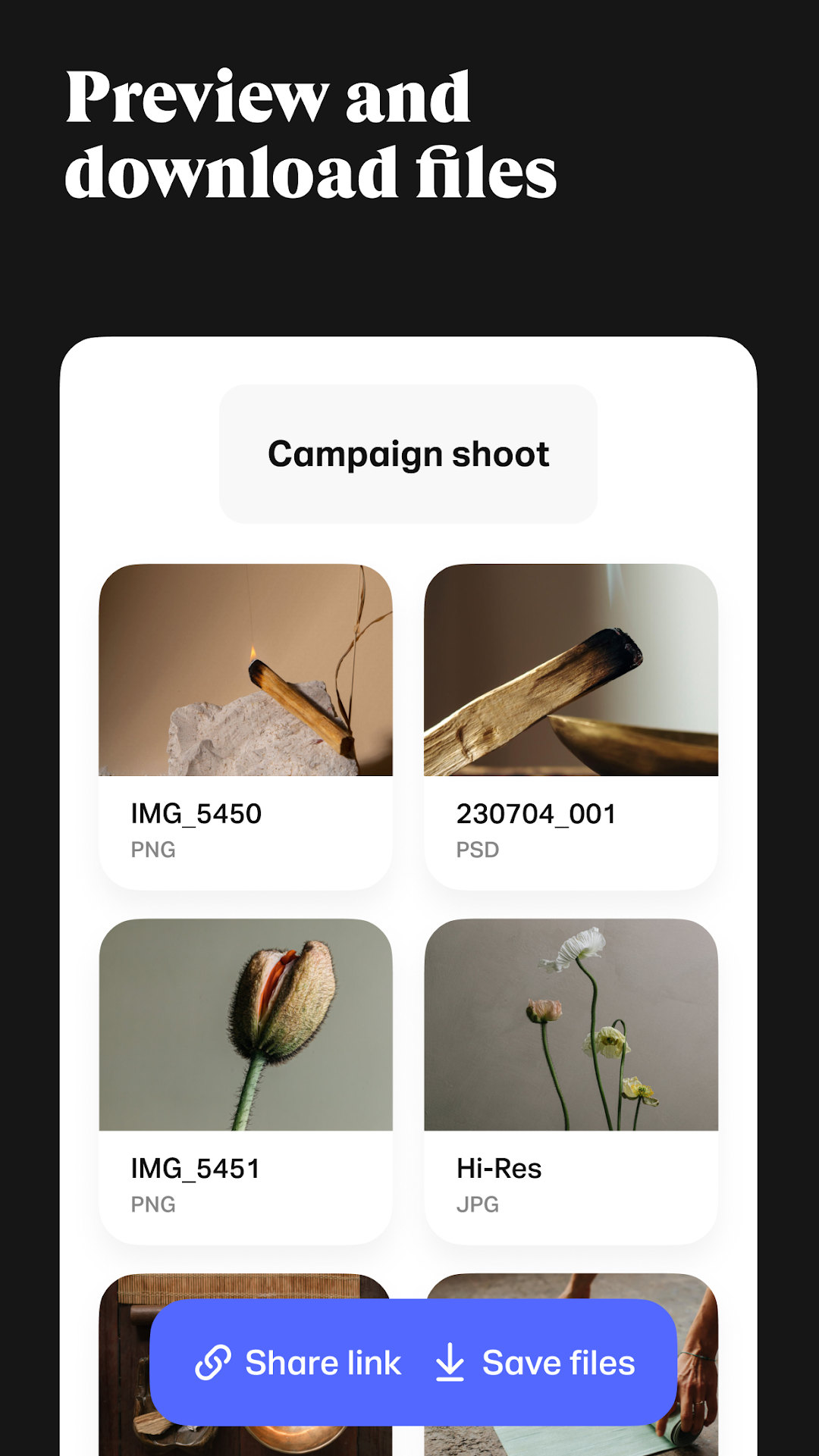
Navigating the app is a breeze. Share files with a link in your favorite messaging app or send files using a download link in an email. Our intuitive interface guides you through the process, making sharing large files, videos, and photos a walk in the park. You can also check the download status, forward and delete transfers, and get notified the minute you receive something so you can download or preview your files wherever you are.
Why Choose WeTransfer:
Efficiency: WeTransfer takes the stress out of sharing files. Send documents, videos, photos, and more with just a few taps.
Quality Assurance: Preserve the quality of your videos and photos, ensuring that they look stunning on the recipient's end.
Convenience: Share large files effortlessly, whether you're sending work-related documents or cherished memories.
Simplicity: Our user-friendly interface ensures a hassle-free experience for recipients no matter what type of device they use to download.
Download the WeTransfer App Today:
Discover the ultimate file sharing solution for transferring big files with speed, convenience, and quality. Download the WeTransfer mobile app for seamless file sharing.
Terms of Service: https://wetransfer.com/legal/terms
Privacy policy: https://wetransfer.com/legal/privacy